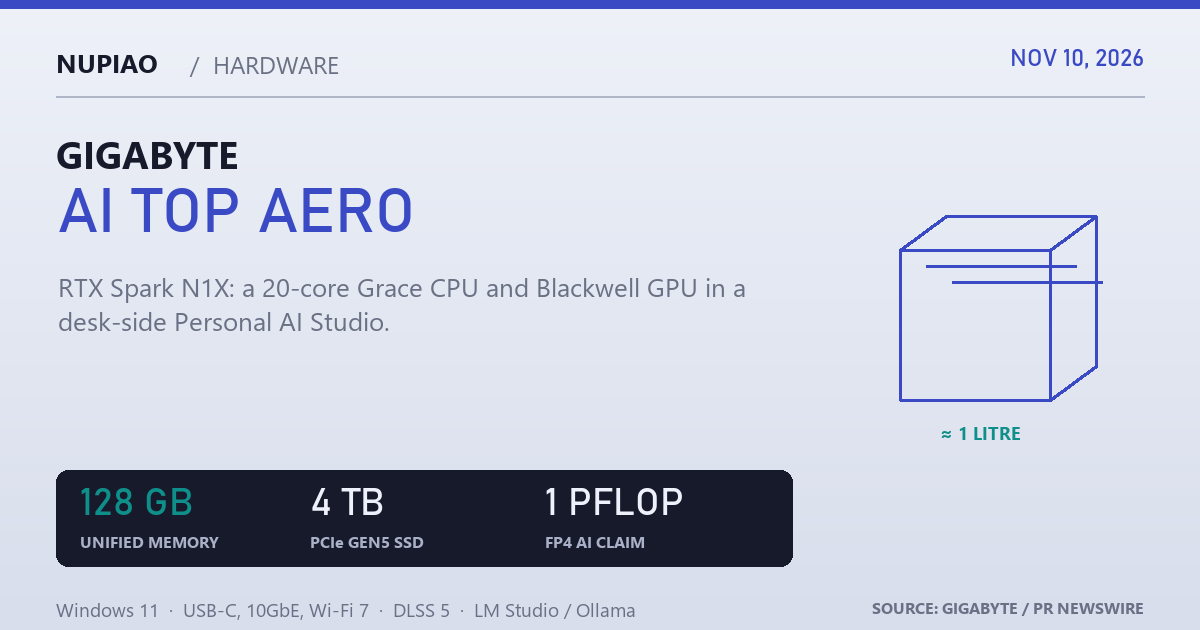
GIGABYTE launched the AI TOP AERO on November 10, 2026, a compact Windows desktop built around NVIDIA’s RTX Spark N1X Superchip. It packs a 20-core Grace CPU and a Blackwell RTX GPU into roughly one litre, with up to 128GB of unified memory, and GIGABYTE is pitching it as a “Personal AI Studio” for running larger models locally instead of renting GPUs in the cloud.
Verification note: specifications, chip details, connectivity and the November 10 launch date come from GIGABYTE’s official announcement distributed by PR Newswire on November 11, 2026. CUDA core count and the 1 petaflop FP4 figure are NVIDIA platform claims relayed by Chinese trade press, not GIGABYTE measurements. GIGABYTE did not publish global pricing; it directs buyers to regional announcements.
What is actually in the box
The AI TOP AERO is built on the NVIDIA RTX Spark N1X Superchip, which welds a 20-core Grace CPU to a Blackwell-architecture RTX GPU on one package. That unified design is the whole point: CPU and GPU share the same memory pool, so a model does not have to be copied across a PCIe bus before the GPU can work on it.
Here is the configuration GIGABYTE has published:
| Component | AI TOP AERO specification |
|---|---|
| Processor | NVIDIA RTX Spark N1X Superchip (20-core Grace CPU + Blackwell RTX GPU) |
| GPU cores | 6,144 CUDA cores (NVIDIA platform figure) |
| Memory | Up to 128GB LPDDR5X unified |
| Storage | Up to 4TB PCIe Gen 5 SSD |
| AI performance | Up to 1 petaflop FP4 (NVIDIA claim) |
| Chassis | Approximately 1 litre, GIGABYTE cooling design |
| Connectivity | USB Type-C, 10GbE Ethernet, Wi-Fi 7 |
| Operating system | Windows 11 |
The claimed 1 petaflop of FP4 AI performance is what makes the local-AI pitch plausible. FP4 is a low-precision format used for inference rather than training, and one petaflop at that precision is enough to run substantial models at usable speeds without touching a cloud endpoint. It is a headline figure from NVIDIA rather than a measured GIGABYTE benchmark, so treat it as a ceiling, not a promise about your workload.
Why unified memory is the real story
Anyone who has tried to run a large model on an ordinary desktop knows the failure mode: you have enough VRAM for the weights, then the context window spills over and performance falls off a cliff. A single 128GB pool shared between CPU and GPU removes that hard wall. It does not make the memory faster, but it makes the ceiling much higher and the whole thing far less fiddly to configure.
This is also the reason the machine keeps getting compared with Apple’s Mac Studio. Apple’s silicon made the same unified-memory argument to creators first, and it worked. GIGABYTE’s own release never names Apple, but the positioning is obvious: a Windows 11 box, small enough for a desk, that treats local inference as a first-class job rather than a science project. The difference is that GIGABYTE is aiming the pitch at developers and AI tinkerers as much as at video editors.
The software list matters more than the silicon
Hardware like this lives or dies on whether the tools you already use will run. GIGABYTE and NVIDIA have clearly thought about that. The platform supports NVIDIA Nemotron models and CUDA-accelerated tools, with LM Studio and Ollama explicitly named as compatible — those two are the front ends a lot of people actually use to pull a model and start chatting.
For agent-style work, NVIDIA PAIR (Personal AI Router) lets the machine join a local network of devices and hand inference tasks to whatever is free. For creators, ComfyUI handles generative workflows, while NVIDIA Broadcast and RTX Video cover audio cleanup and video enhancement. That is a fairly complete stack for a first-generation product, and the fact that it is all on Windows lowers the barrier for anyone who does not want to learn Linux to run a model.
One honest caveat: “compatible” and “well optimised” are not the same thing. A press release listing a tool does not tell you how well a specific model behaves at a specific quantisation on this particular chip. Wait for independent testing before you commit to it as your only inference box.
Gaming is in the pitch, with an asterisk
GIGABYTE says the AI TOP AERO also supports gaming, with Blackwell and DLSS 5 bringing neural rendering to compatible titles. That is true in the limited sense that the hardware can run games. It is not a gaming PC in the way a box with a discrete GeForce RTX 5080 is; the GPU here is a Blackwell part designed first for AI throughput and unified memory, and GIGABYTE has published no gaming benchmarks or a specific GPU SKU.
Read that part of the release as “you can play games on it,” not “you should buy this instead of a gaming desktop.” The machine’s strengths — huge memory, sustained inference, compact footprint — are not the things that win frame-rate comparisons. If gaming is your main use, there are better-shaped products. If you want one desk-side box that does model work, renders video and can still run a game after hours, the pitch makes sense.
Who this is really for
Three groups come to mind. Local-first developers who need to iterate on prompts or fine-tunes without paying per token. Creators who want generative tooling on-device for privacy or cost reasons. And small studios that would rather own a box than manage a cloud bill that scales with every employee who discovers a new model.
What it is not is a cheap way to get into AI. A one-litre chassis with 128GB of LPDDR5X and a Grace/Blackwell package is not going to be a bargain, and GIGABYTE has deliberately left pricing to regional offices rather than publishing a global number. Until those numbers land, the honest verdict is that the AI TOP AERO is an interesting and coherent product whose value proposition depends entirely on the price.
The bigger picture
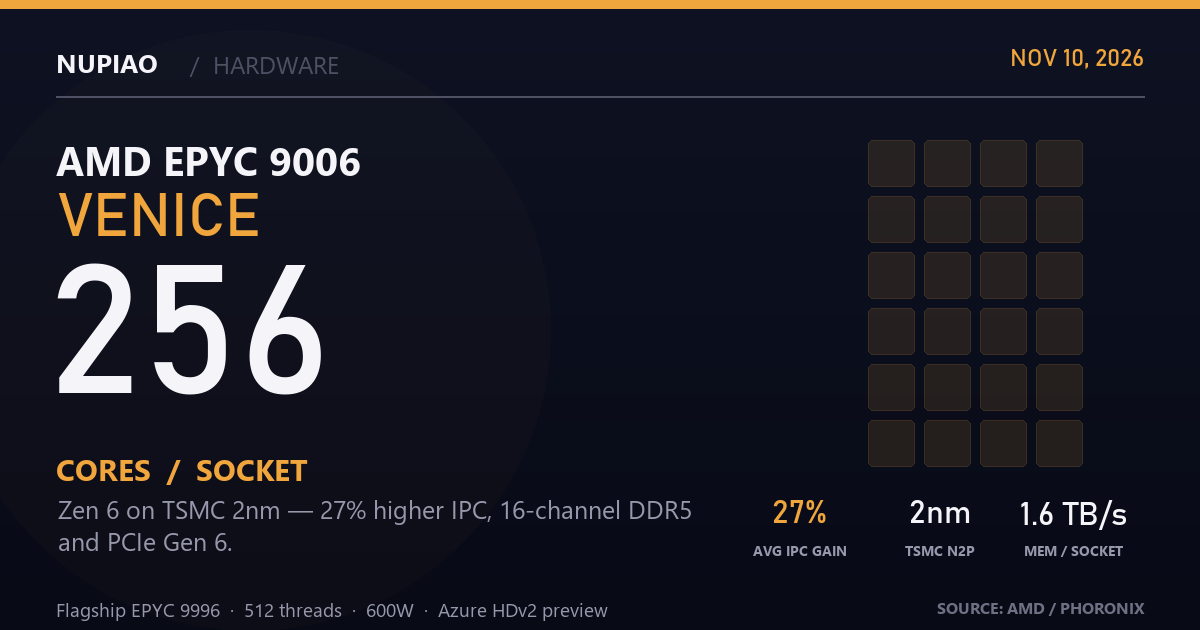
Timing is doing a lot of work here. The AI TOP AERO lands in the same week that AMD began shipping its 256-core EPYC Venice processors and NVIDIA unveiled its Vera Rubin platform. The industry’s centre of gravity is clearly moving toward running serious AI on machines you control, whether that is a rack, a workstation or — now — a one-litre desktop. GIGABYTE is trying to own the smallest end of that range.
Whether it succeeds comes down to two things: real-world performance against an M-series Mac or a cloud rental, and a price that makes the “own it” argument easy to make. The specification sheet is strong. The missing number is the one on the receipt.
FAQ
What chip powers the GIGABYTE AI TOP AERO?
The NVIDIA RTX Spark N1X Superchip, combining a 20-core NVIDIA Grace CPU with a Blackwell-architecture RTX GPU and unified system memory.
How much memory does it have?
Up to 128GB of LPDDR5X unified memory shared between the CPU and GPU, plus up to a 4TB PCIe Gen 5 SSD.
Can it run large AI models locally?
GIGABYTE says the platform is designed to run larger models without cloud dependency, with a claimed peak of 1 petaflop FP4. NVIDIA Nemotron, LM Studio and Ollama are named as compatible. Independent performance testing is still pending.
Is the AI TOP AERO a gaming PC?
It supports gaming with a Blackwell GPU and DLSS 5, but it is positioned as a local AI and creation workstation. GIGABYTE has not published gaming benchmarks or a discrete GPU SKU, so it should not be compared directly with a dedicated gaming desktop.
How much does it cost and when did it launch?
It launched on November 10, 2026. GIGABYTE did not announce global pricing, referring buyers to local announcements for regional configurations, pricing and availability.
For more on the hardware side, browse our News section and the Guides category. Reporting follows GIGABYTE ‘s official announcement via PR Newswire / Yonhap , with platform details from NVIDIA, November 10–11, 2026.